Excel COS Function
Summary
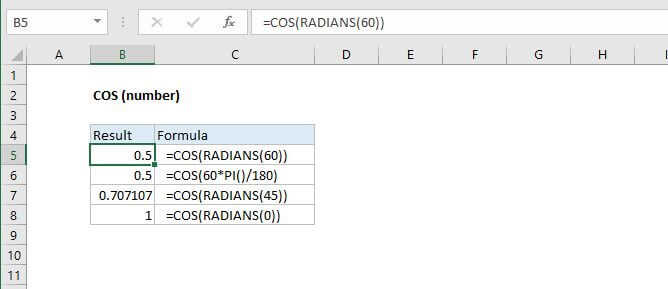
The Excel COS function returns the cosine of angle given in radians. To supply an angle to COS in degrees, multiply the angle by PI()/180 or use the RADIANS function to convert to radians.
Purpose
Get the cosine of an angle
Return value
The cosine value
Syntax
=COS (number)
Arguments
- number - The angle in radians for which you want the cosine.
Usage notes
The COS function expects radians. To supply an angle to COS in degrees, multiply the angle by PI()/180 or use the RADIANS function to convert to radians. For example, to get the COS of 60 degrees, you can use either formula below:
=COS(60*PI()/180)=COS(RADIANS(60))