nth largest value

Generic formula 

=LARGE(range,nth)

Related formulas 

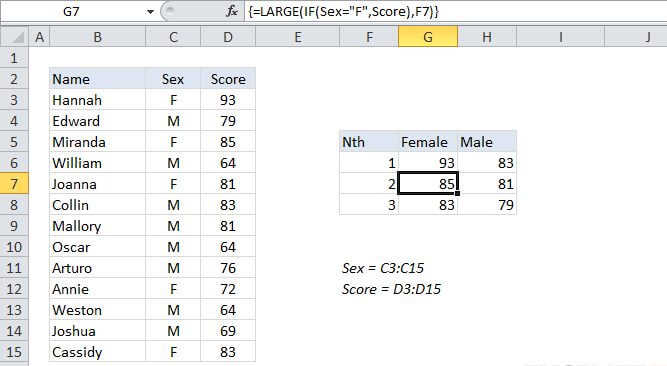
nth largest value with criteria

nth smallest value

Sum top n values

Average top 3 scores

Explanation

To get the 2nd largest value, 3rd largest value, 4th largest value, and so on, from a set of data, you can use the LARGE function.

In the example shown, the formula in J5 is:

=LARGE($C5:$G5,2)

How this formula works

The LARGE function is fully automatic — you just need to supply a range and an integer for"nth" to specify the ranked value you want.

The official names for these arguments are "array" and "k".

Note: you can also use the MAX function to get the largest value (i.e. the largest value).

nth largest value

Generic formula 

=LARGE(range,nth)

Related formulas 

nth largest value with criteria

nth smallest value

Sum top n values

Average top 3 scores

Explanation

To get the 2nd largest value, 3rd largest value, 4th largest value, and so on, from a set of data, you can use the LARGE function.

In the example shown, the formula in J5 is:

=LARGE($C5:$G5,2)

How this formula works

The LARGE function is fully automatic — you just need to supply a range and an integer for"nth" to specify the ranked value you want.

The official names for these arguments are "array" and "k".

Note: you can also use the MAX function to get the largest value (i.e. the largest value).