Excel EXP Function
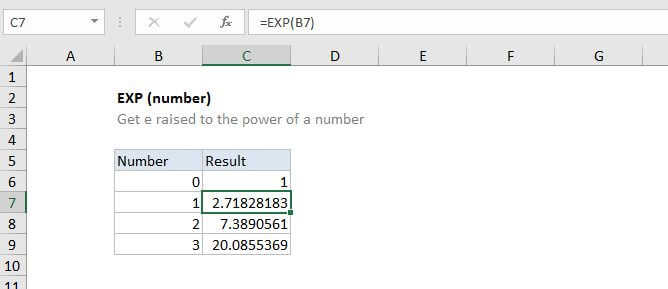
Summary
The Excel EXP function returns the result of the constant e raised to the power of a number. The constant e is approximately 2.71828, and is the base of the natural logarithm.
Purpose
Find the value of e raised to the power of a number
Return value
The constant e raised to the power of a number
Syntax
=EXP (number)
Arguments
- number - The power that e is raised to.
Usage notes
The EXP function finds the value of the constant e raised to a given number, so you can think of the EXP function as e^(number), where e ≈ 2.718
More about the number e...
- The number e is a famous irrational number, and one of the most important numbers in mathematics.
- The first digits of e are: 2.718281828459...
- e is the base of the Natural Logarithms, invented by John Napier.