Excel LN Function
Summary
The Excel LN function returns the natural logarithm of a given number.
Purpose
Get the natural logarithm of a number
Return value
The natural logarithm
Syntax
=LN (number)
Arguments
- number - A number to take the natural logarithm of.
Usage notes
The natural logarithm function is the equivalent to log base e of a number. Where e is Euler's number.
= LN( number) = LOG( number, e) // Where e ≈ 2.7128 or EXP(1)
Graph
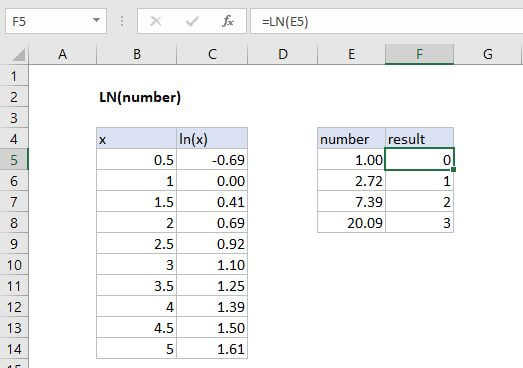
| x | ln( x) |
|---|---|
| 0.5 | -0.69 |
| 1 | 0.00 |
| 1.5 | 0.41 |
| 2 | 0.69 |
| 2.5 | 0.92 |
| 3 | 1.10 |
| 3.5 | 1.25 |
| 4 | 1.39 |
| 4.5 | 1.50 |
| 5 | 1.61 |
The natural logarithm function is also the inverse of the exponential function.
= number = LN( EXP(number))