Excel LOG Function
Summary
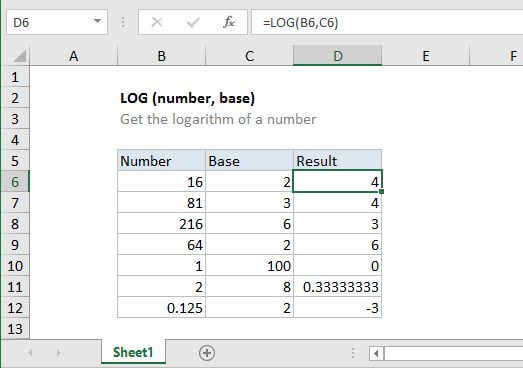
The Excel LOG function returns the logarithm of a given number, using a supplied base. The base argument defaults to 10 if not supplied.
Purpose
Get the logarithm of a number
Return value
The logarithm
Syntax
=LOG (number, [base])
Arguments
- number - Number for which you want the logarithm.
- base - [optional] Base of the logarithm. Defaults to 10.
Usage notes
The LOG function allows you to get the logarithm of a number with a specified base.