Excel POWER Function
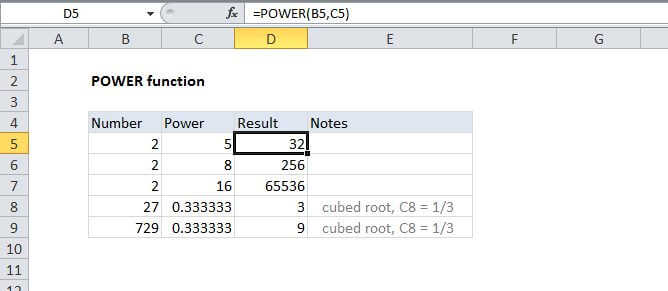
Summary
The Excel POWER function returns a number to a given power. The POWER function works like an exponent in a standard math equation.
Purpose
Raise a number to a power
Return value
Number raised to power
Syntax
=POWER (number, power)
Arguments
- number - Number to raise to a power.
- power - Exponent to raise power to.
Usage notes
The POWER function can be used to raise a number to a given power. The POWER function works like an exponent in a standard math equation. In Excel, exponentiation is handled with the caret (^) operator, so:
2^2=POWER(2,2)=42^3=POWER(2,3)=82^4=POWER(2,4)=16