Excel NOW Function
Summary
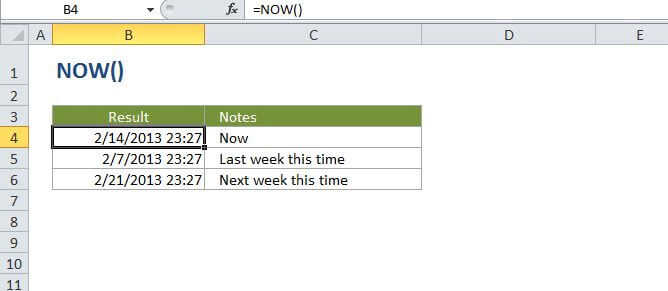
The Excel NOW function returns the current date and time, updated continuously when a worksheet is changed or opened. The NOW function takes no arguments. You can format the value returned by NOW as a date, or as a date with time by applying a number format.
Purpose
Get the current date and time
Return value
A serial number representing a particular date and time in Excel.
Syntax
=NOW ()
Arguments
Usage notes
NOW takes no parameters but requires empty parentheses. The value returned by NOW will continually update each time the worksheet is refreshed (for example, each time a value is entered or changed). Use F9 to force the worksheet to recalculate and update the value.
If you need a static time that won't change, you can enter the current time using the keyboard shortcut Ctrl + Shift + :