Excel TIME Function
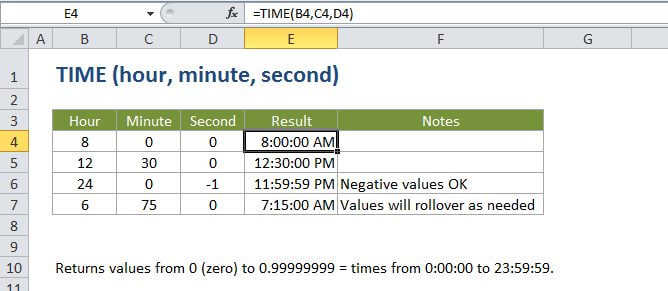
Summary
The Excel TIME function is a built-in function that allows you to create a time with inpidual hour, minute, and second components. The TIME function is useful when you want to assemble a proper time inside another formula.
Purpose
Create a time with hours, minutes, and seconds
Return value
A decimal number representing a particular time in Excel.
Syntax
=TIME (hour, minute, second)
Arguments
- hour - The hour for the time you wish to create.
- minute - The minute for the time you wish to create.
- second - The second for the time you wish to create.
Usage notes
The TIME function creates a date in serial number format from the hour, minute, and second components you specify. Use it to create a valid time when you have (or can supply) these component values separately. Once you have a valid time, you can format it any way you like.