Excel YEAR Function
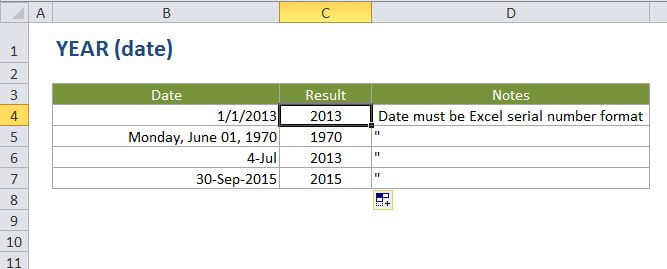
Summary
The Excel YEAR function returns the year component of a date as a 4-digit number. You can use the YEAR function to extract a year number from a date into a cell. You can also use the YEAR function to extract and feed a year value into another formula, like the DATE function.
Purpose
Get the year from a date
Return value
A number representing year.
Syntax
=YEAR (date)
Arguments
- date - A date from which to extract the year.
Usage notes
date - date must be a valid Excel date in serial number format. For example, the date Jan 1, 2000 is equal to the serial number 32526 in Excel
Excel only handles dates after 1/1/1900.