Get work hours between dates
Generic formula
=NETWORKDAYS(start,end,holidays)*hours
Related formulas
Get workdays between dates
Add business days to date
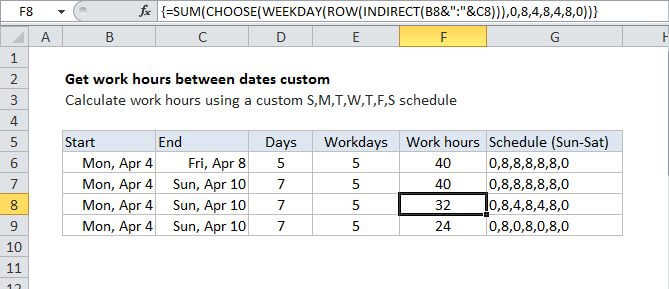
Get work hours between dates custom schedule
Explanation
To get the total number of work hours between two dates, you can use a formula based on the NETWORKDAYS function, where "start" is the start date, "end" is the end date, "holidays" is a range that includes holiday dates, and "hours" is the number of working hours in a day.
In the example shown, the formula in D7 is:
=NETWORKDAYS(B7,C7,holidays)*8
How this formula works
This formula uses the NETWORKDAYS function to do the work of figuring out total working days between two dates, taking into account weekends and (optionally) holidays.
Holidays, if provided, must be a range that includes valid Excel dates.
Once total work days are known, they are simply multiplied by the number of hours in a work day.
Note that NETWORKDAYS by design includes both the start and end date in the result, and excludes both Saturday and Sunday. If you need more flexibility to handle custom weekend days, see NETWORKDAYS.INTL.