Excel BITXOR Function
Summary
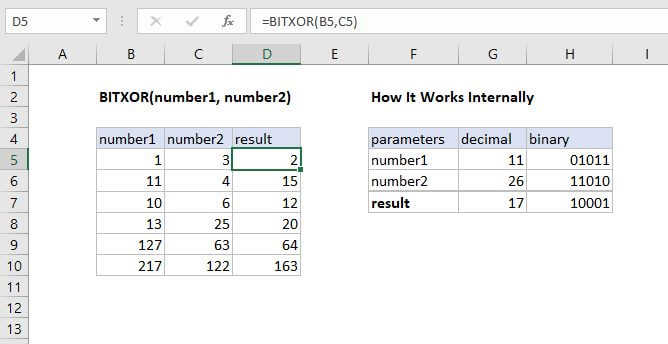
The Excel BITXOR function returns a decimal number representing the bitwise XOR of two numbers. For each corresponding bit in the binary representation of the numbers a logical XOR operation is performed and the resulting number returned.
Purpose
Returns a 'Bitwise Xor' of two numbers
Return value
Decimal Number
Syntax
=BITXOR (number1, number2)
Arguments
- number1 - A positive decimal number.
- number2 - A positive decimal number.
Usage notes
The input numbers must be greater than or equal to zero and no larger than 2^48 - 1.
Difference Between OR and XOR
When a waiter in a breakfast diner asks if you want coffee OR orange juice, they really are asking if you want coffee XOR juice. You can have one or the other, but not both.