Get original number from percent change
Generic formula
=current/(percent+1)
Related formulas
Increase by percentage
Decrease by percentage
Percent of goal
Calculate percent variance
Explanation
To calculate the original number based on current value and known percentage change, you can use a simple formula that pides the current value by the percent plus 1.
How the formula works
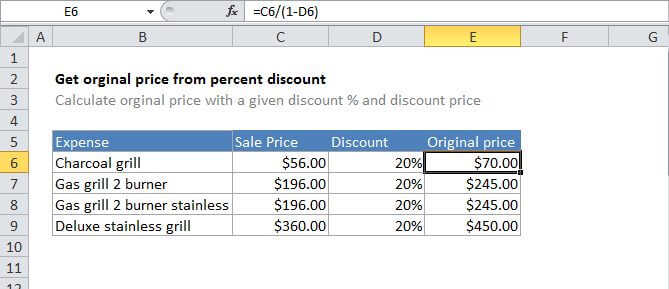
In the example, the active cell contains this formula:
=C6/(B6+1)
In this case, Excel first calculates the result of B6 + 1, then pides C6 by the result:
=C6/(B6+1)=200/1.15=173.913
Rounded result
In the example shown, values in column D are using the currency format, which displays 2 decimal places automatically. If you want to force the result to be rounded to 2 decimal places, just wrap in the ROUND function:
=ROUND(C6/(B6+1),2)