Excel ISEVEN Function
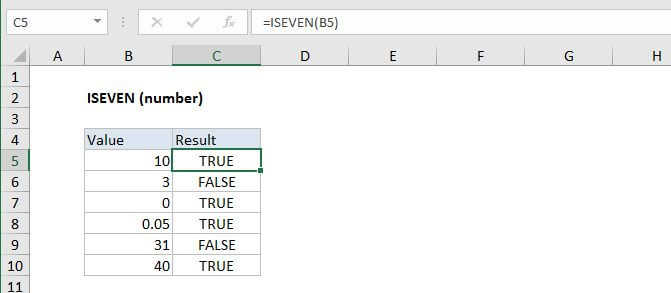
Summary
The Excel ISEVEN function returns TRUE when a numeric value is even, and FALSE for odd numbers. ISEVEN will return the #VALUE error when a value is not numeric.
Purpose
Test if a value is even
Return value
A logical value (TRUE or FALSE)
Syntax
=ISEVEN (value)
Arguments
- value - The numeric value to check.
Usage notes
Use the ISEVEN function to check if a numeric value is an even number. ISEVEN will return TRUE when a numeric value is even and FALSE when a numeric value is odd. If value is not numeric, ISEVEN will return the #VALUE error.
For example, =ISEVEN(A1) will return TRUE if A1 contains the number 2 and FALSE if A1 contains the number 3.
Usually, value is supplied as a cell address.
ISEVEN is part of a group of functions called the IS functions that all return the logical values TRUE or FALSE.