Excel FALSE Function
Summary
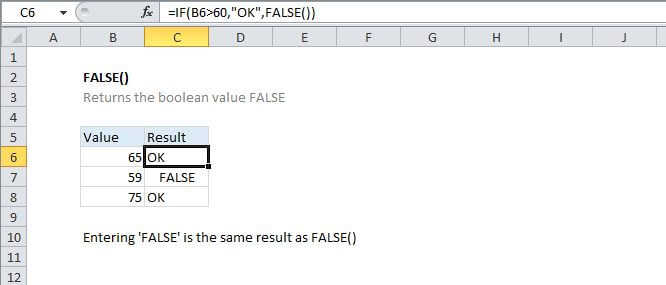
The Excel FALSE function returns the value FALSE. FALSE is classified as a compatibility function, and not needed in most cases. It is equivalent to using the Boolean value FALSE directly in a formula.
Purpose
Generate the logical value FALSE
Return value
The logical value FALSE
Syntax
=FALSE ()
Arguments
Usage notes
The FALSE function takes no arguments and generates the boolean value FALSE.
For example, to return FALSE if if the value in A1 <>
=IF(A1<0, FALSE())
Note that you can also just use enter the word FALSE directly into a cell or formula and Excel will interpret this as the logical value FALSE. For example, these formulas are functionally identical:
=IF(A1<0, FALSE())=IF(A1<0, FALSE)
Both formulas return FALSE if the value in A1 <>
Microsoft labels the FALSE function a "compatibility function", in Excel for compatibility with other spreadsheet applications.