Excel NOT Function
Summary
The Excel NOT function returns the opposite of a given logical or boolean value. When given TRUE, NOT returns FALSE.When given FALSE, NOT returns TRUE. Use the NOT function to reverse a logical value.
Purpose
Reverse arguments or results
Return value
A reversed logical value
Syntax
=NOT (logical)
Arguments
- logical - A value or logical expression that can be evaluated as TRUE or FALSE.
Usage notes
Use the NOT function to reverse a value or logical argument:
- When logical is FALSE, NOT returns TRUE.
- When logical is TRUE, NOT returns FALSE.
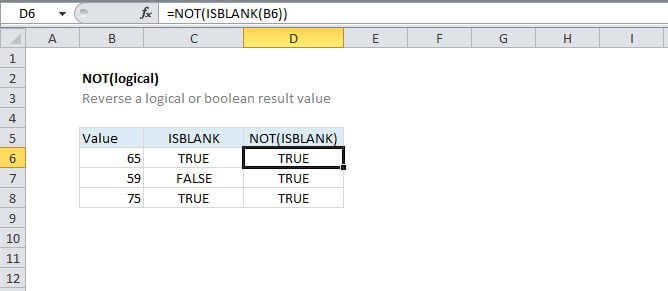
A common use case for NOT is to reverse the behavior of another function. For example, If the cell A1 is blank, then the formula =ISBLANK(A1) will return TRUE. NOT can be used to reverse this result to FALSE like this:
=NOT(ISBLANK(A1))
In essence, by adding NOT, you are able to create a formula that behaves like ISNOTBLANK, which doesn't exist in Excel.