Excel AREAS Function
Summary
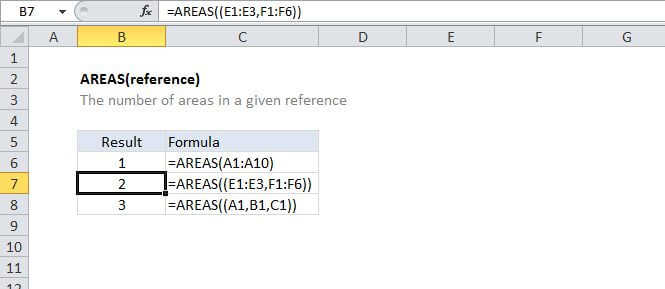
The Excel AREAS function returns the number of areas in a given reference. For example, =AREAS((A1:C1,A2:C2)) returns 2. Multiple references must be enclosed in an extra set of parentheses.
Purpose
Get the number of areas in a reference.
Return value
A number representing number of areas.
Syntax
=AREAS (reference)
Arguments
- reference - A reference to a cell or range of cells.
Usage notes
Reference can include more than one reference. you must separate multiple references with a comma and wrap then in an extra set of parentheses. Otherwise, Excel will think the commas indicate multiple arguments and generate an error.
Example:
=AREAS((A1:C1)) // returns 1=AREAS((A1:C1,A2:C2)) // returns 2=AREAS((F17:F19,J16:J18,I8)) // returns 3